Artificial Intelligence 101: AI for Everybody
A Practical Guide for the Rest of Us

Most people I talk to about AI fall into one of two camps. There are the enthusiasts who have been using it every day and are mildly baffled that the rest of the world hasn’t caught up. And there are the people who know AI is important, probably feel a little behind, and are not quite sure where to start without embarrassing themselves.
This article is for the second group.
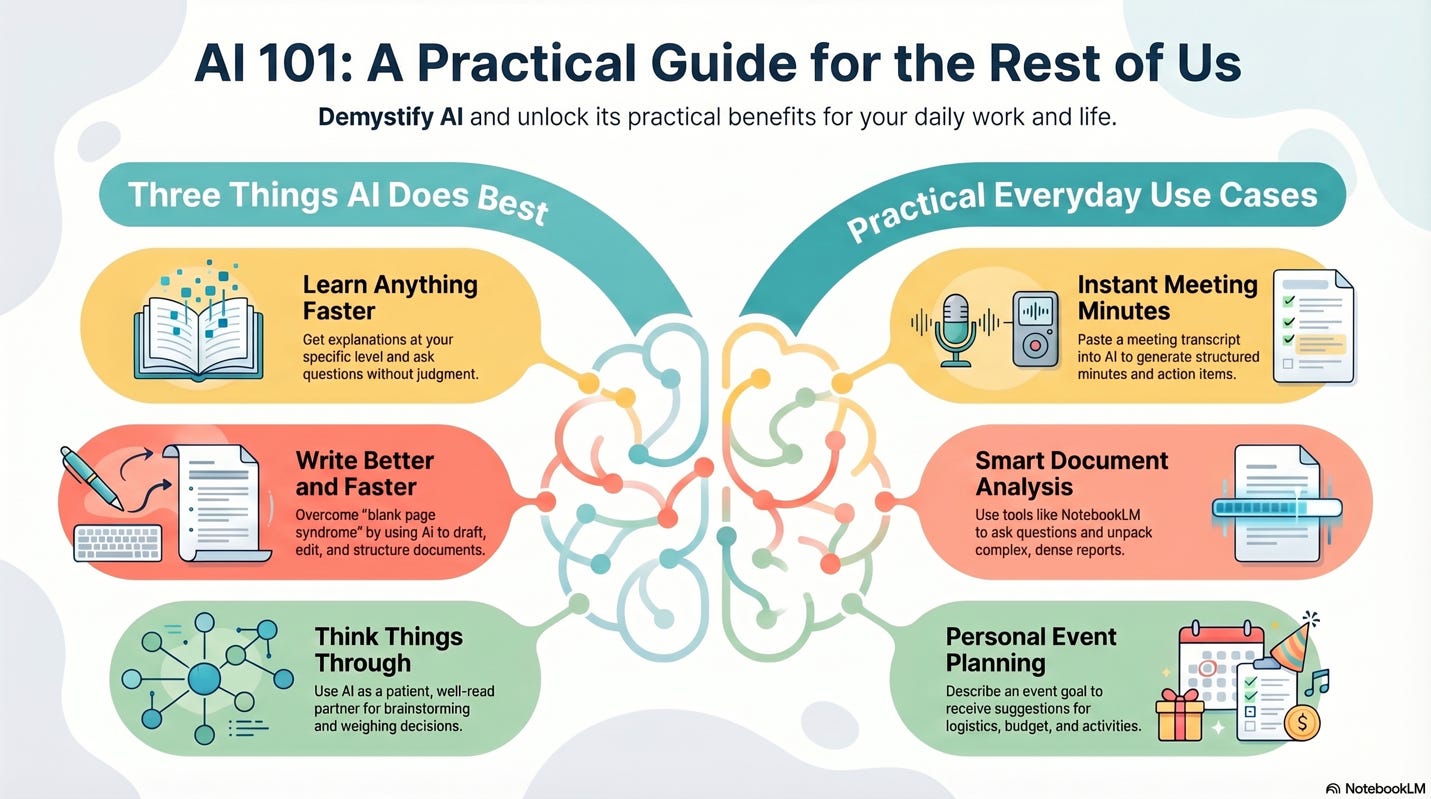
I am running a free online session called Artificial Intelligence 101: AI for Everybody for people who are not working in information technology but want to understand what AI can actually do for them in practical, everyday terms. The session will be recorded and made available on YouTube. This article covers the key ideas and gives you enough to start using AI today, even before the session.
The goal is not to explain how AI works. It is to show you what it can do for you, right now, with tools you can access for free.
Three Things AI Does Really Well
Before we get into specific examples, it helps to understand the three areas where AI consistently delivers value for everyday users.
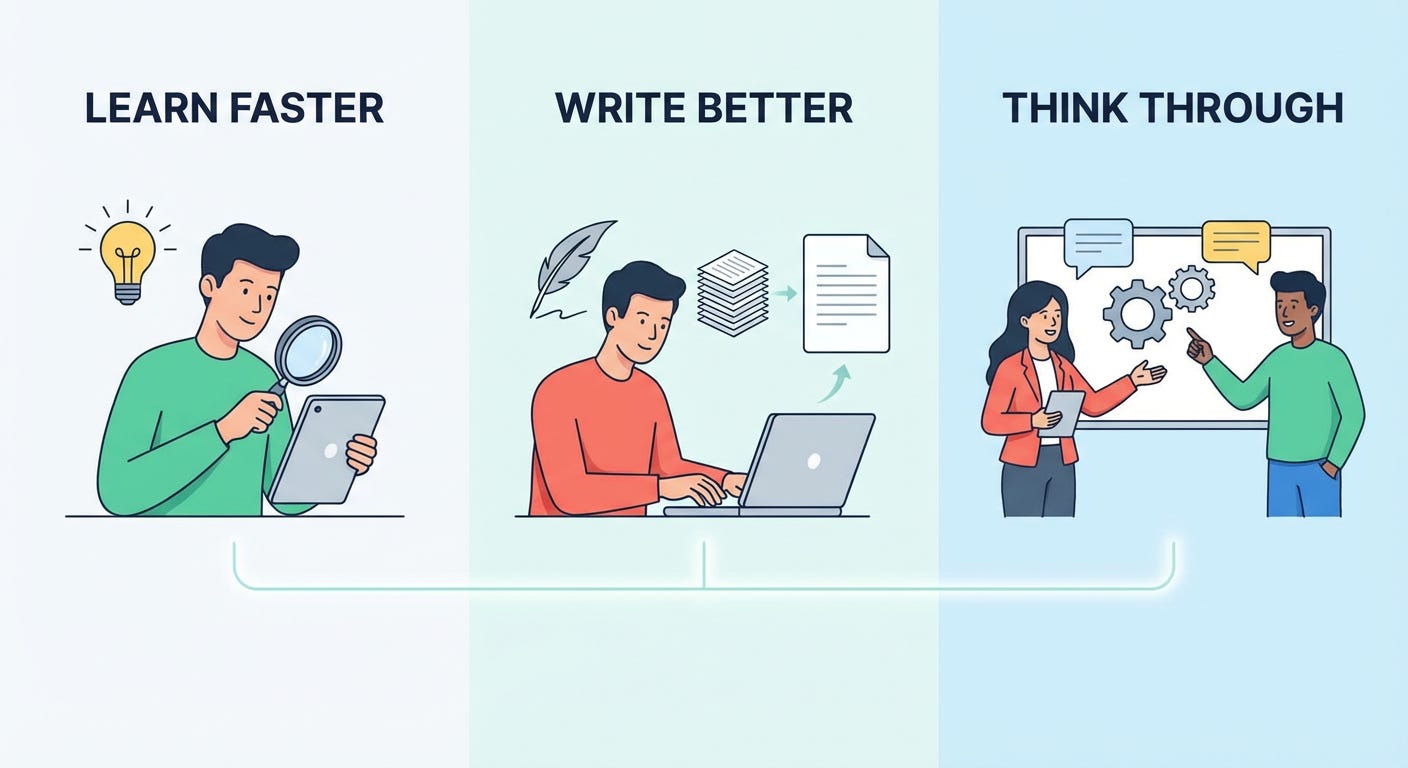
Learn anything faster. You get explanations at your level. You ask questions without judgement. You go as deep or as shallow as you need. There are no dumb questions when you are talking to an AI.
Write better and faster. Drafting, editing, summarising, structuring an email, writing a report. AI is an extraordinary writing collaborator if you know what you want to say but find the blank page hard.
Think things through. Brainstorming, weighing up decisions, planning a project, pressure-testing an idea. AI is the patient, well-read thinking partner that most of us wish we had available at any hour.
Everything in the session maps back to one of these three.
Five Practical Use Cases
1. Turn a Meeting Transcript into Minutes and Actions
If you have ever sat in a long meeting and then spent an hour trying to reconstruct what was decided, this one will feel immediately useful.
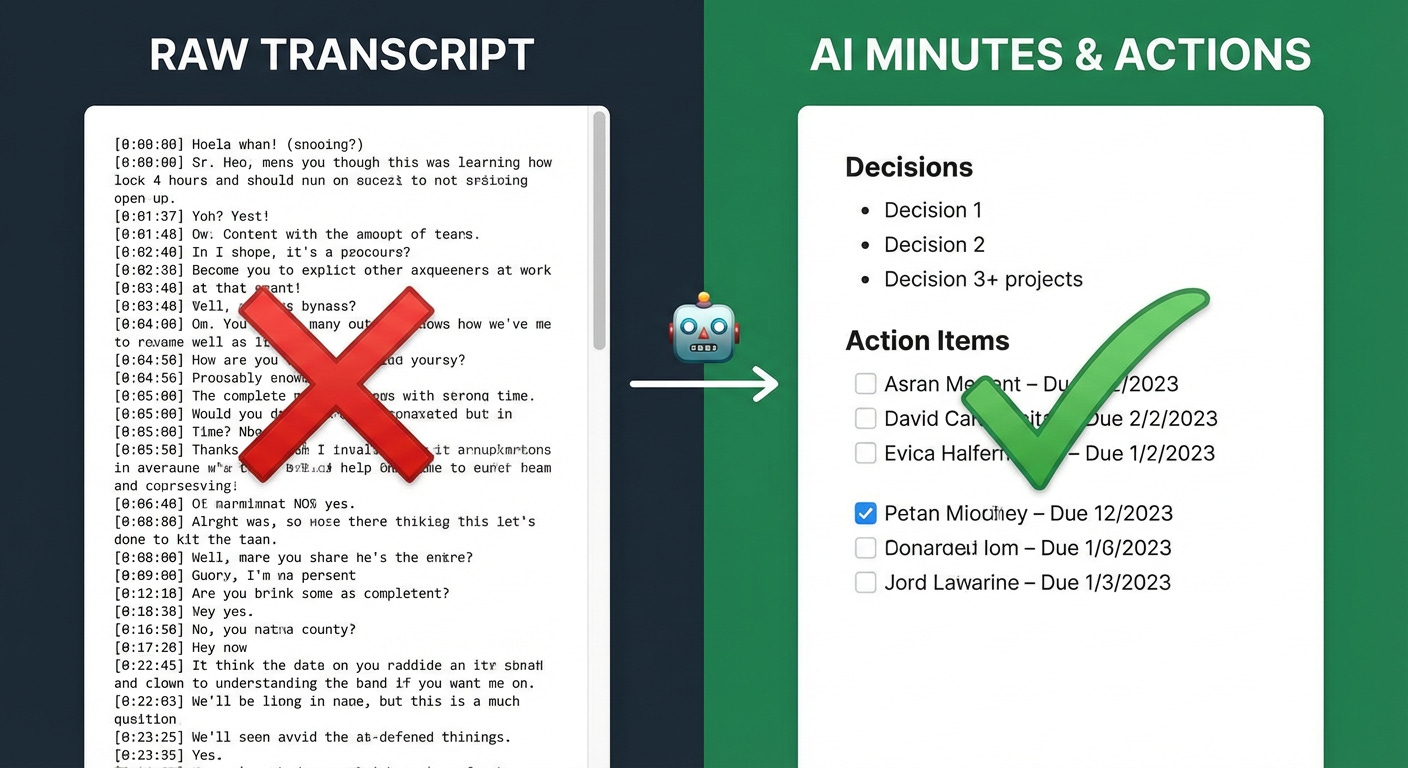
Most modern meeting tools, including Microsoft Teams and Zoom, can produce a transcript of a recorded call. You paste that transcript into ChatGPT or a similar AI tool with a simple prompt:
“Please create meeting minutes from the following meeting transcript and identify any action items.”
In under a minute, you have structured minutes, clear decisions, and a list of who agreed to do what. The same approach works for workshops. Record the session, get the transcript, and let AI extract the key outputs. In the live session, I will run this end to end so you can see exactly how it works.
2. Plan an Event
Try this yourself. Open ChatGPT and type:
“I am planning a weekend away for three couples in Noosa. What are the best options?”

That is genuinely all you need to say. The AI will ask follow-up questions about budget, activities, and preferences. It will suggest accommodation, restaurants, and things to do. It will help you think through logistics you might have missed. The same approach works for a wedding, a birthday event, a school trip, or a team offsite.
Think of it as having a well-travelled friend who never gets tired of your questions. It does the thinking-out-loud work that you would normally do over several conversations with several people, compressed into one patient conversation.
3. Update Your Resume and Write a Cover Letter
Updating a resume is one of those tasks that most people dread and keep putting off. AI makes it genuinely straightforward.

You give the AI your existing resume and the job listing you are applying for. It asks the right questions, suggests language you might not have used yourself, and produces a first draft that is far better than staring at a blank document. In the session, I will demonstrate this using Microsoft Copilot, taking a real resume and writing a targeted cover letter for a real job listing from LinkedIn.
4. Understand a Complex Document
Maybe your doctor hands you a clinical study. Maybe a colleague sends you a technical report outside your area. Maybe you want to understand a legal document, a research paper, or a financial model.

Google NotebookLM is a free tool built specifically for this. You upload the document and then have a conversation with it. What are the main findings? What assumptions does this make? Explain section three in plain English. The tool stays grounded in your document, which makes it far more reliable for this purpose than general AI tools.
In the session, I will demonstrate this using a scientific paper on the geology of K’gari (Fraser Island). The paper is dense. The conversation that unpacks it is not.
5. Build Things Without Being Technical
For those who want to see what is possible beyond everyday tasks, I will show a couple of examples from my own work.

The first is what people are calling “vibe coding.” You describe what you want a website or application to do, in plain English, and AI writes the code for you. I used this approach to build a working website without writing a single line of traditional code. The second example is using AI to analyse large sets of documents and extract insights at a level that would take a human days or weeks.
These are not the starting point. They are a glimpse of where things are heading for people who build confidence with the basics first.
Using AI Well: The Principles That Matter
The tools are straightforward. Using them well requires a small amount of discipline.
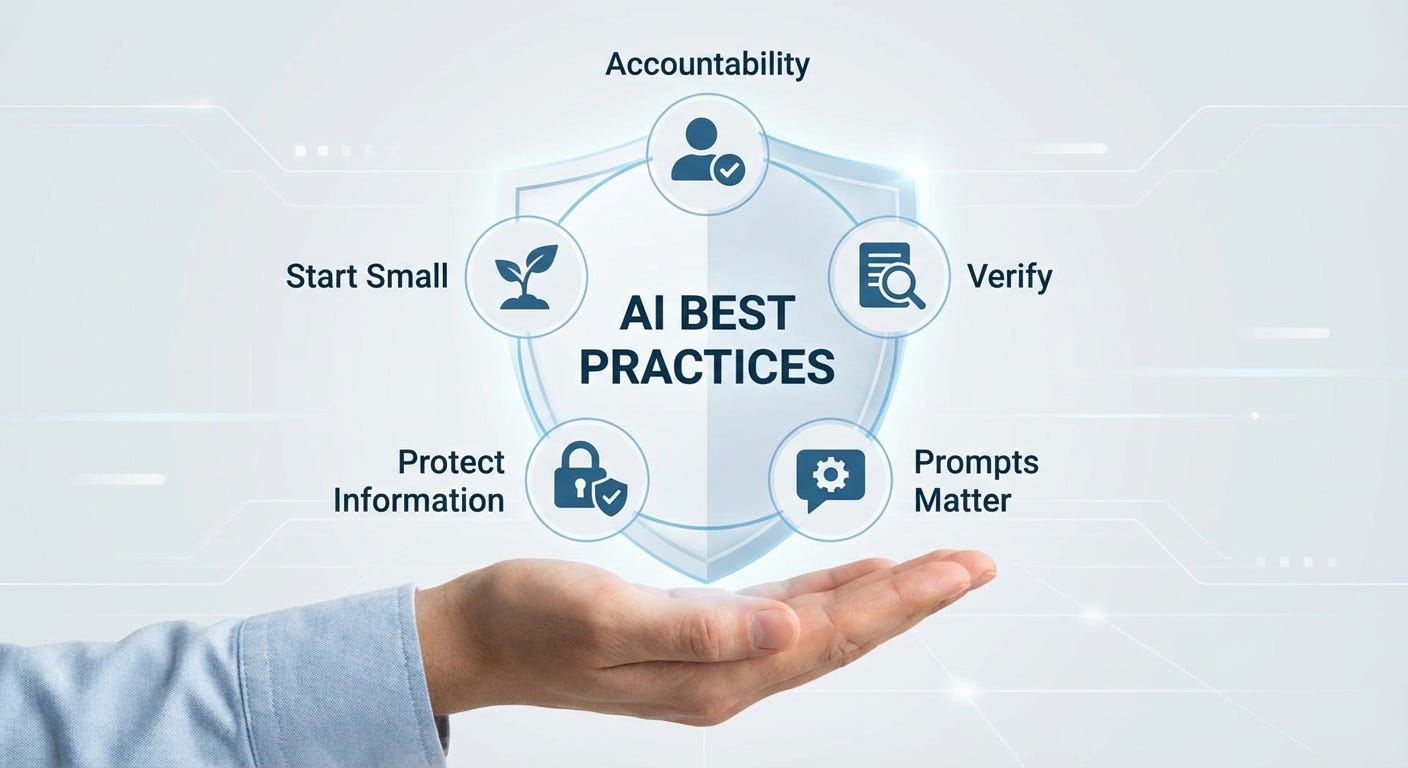
You are accountable for what you release. AI output is a starting point, not a finished product. If you put your name on it, you own it. Read it, check it, and make sure it represents you accurately.
Trust but verify. AI generates plausible responses. It does not always generate accurate ones. For anything factual or consequential, check it against a credible source.
Prompts matter. The quality of what you ask directly shapes the quality of what you get. Compare these two:
“Write me a blog post about leadership.”
versus
“Write a 700-word blog post for a LinkedIn audience of mid-level IT managers, using a direct and practical tone, arguing that leadership is the single biggest constraint on team performance.”
The second prompt gets a far more useful result. If you want to go deeper on this, I wrote about the specific changes that made the biggest difference to my results in Six Things I Changed That Made Claude AI Extremely Useful.
Protect your information. Do not share sensitive client data, personal information, or proprietary material with AI tools. A useful mental model: treat the conversation as if it were happening in a public space.
Start small. Pick one repetitive, low-stakes task and try AI there first. Build confidence through small wins before you take on something that matters more.
Where to Start
If you are new to AI, start with ChatGPT. It is free, it works well for all five use cases above, and it is the easiest on-ramp. Google Gemini and Microsoft Copilot are also solid free options. For learning from documents specifically, Google NotebookLM is purpose-built and excellent.
The session will demonstrate several of these tools in action so you can see the differences for yourself.
Join the Session
If you or someone you know would benefit from a practical, no-jargon introduction to AI, register for the online session. The recording will be available on YouTube afterwards for anyone who cannot attend live.
Register here: https://tek42.io/l/ai-101
AI is not going to replace your thinking. It is going to make your thinking faster, better supported, and easier to act on. You do not need to be technical. You do not need to be an expert. You just need to start.
Keith Sinclair has spent his career designing and building technology solutions for complex organisations. He writes about AI, infrastructure, and the gap between technology and the people who use it.